PlayMaker vs Bolt vs Unity Visual Scripting — A Quick Comparison
Visual scripting is a powerful way to build Unity games without writing large amounts of C# code. But with multiple options available, choosing the right tool can be confusing.
This quick comparison breaks down PlayMaker, Bolt, and Unity Visual Scripting so you can decide which fits your workflow best.
PlayMaker
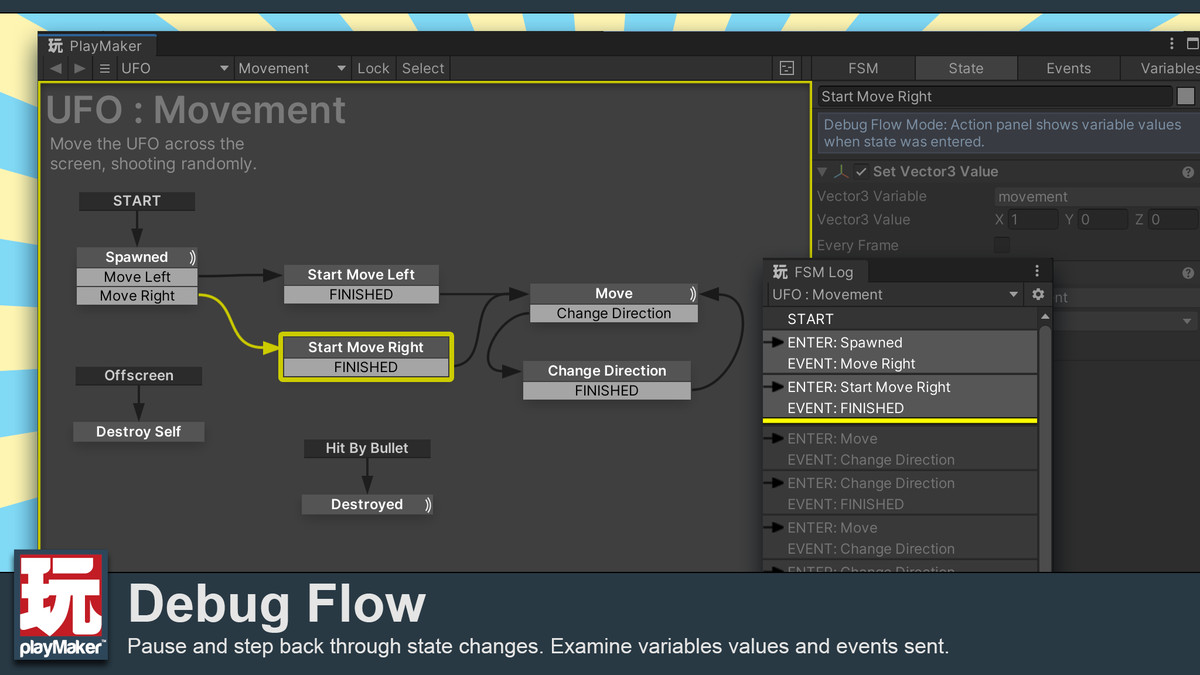
PlayMaker is an FSM-based visual scripting tool. Instead of node graphs, you build logic using states and transitions, which makes behavior easy to reason about.
- Excellent for AI and enemy behavior
- Very beginner-friendly
- Extremely stable and mature
- Paid Asset Store tool
Bolt (Legacy)
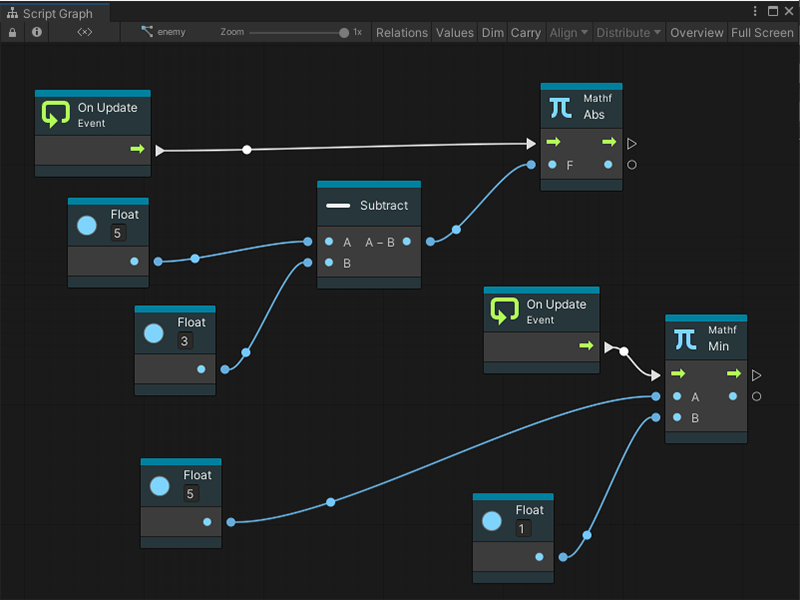
Bolt was a node-based visual scripting system that focused on flow graphs and event-driven logic. It offered more flexibility than FSM tools but could become visually complex.
- Flexible system-level logic
- Better suited for managers and controllers
- Steeper learning curve
- Discontinued after Unity acquisition
Unity Visual Scripting
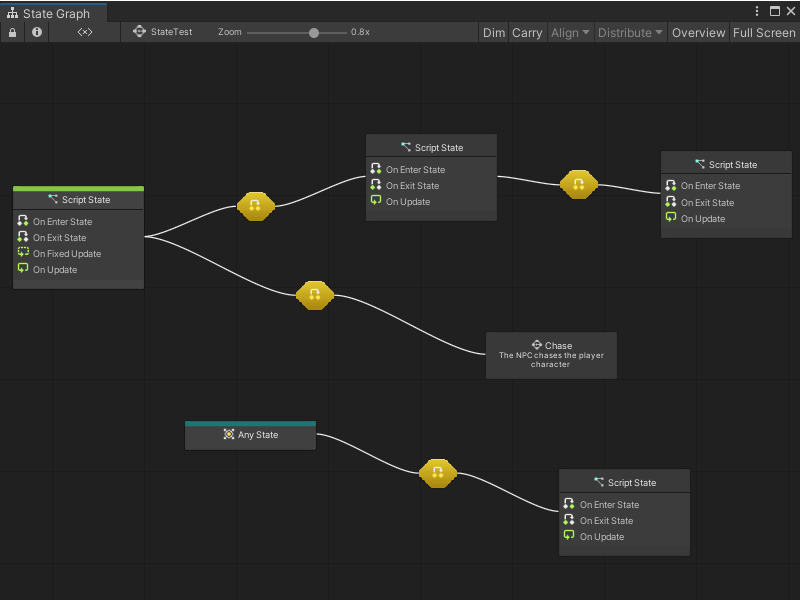
Unity Visual Scripting is the official built-in solution. It provides deep access to Unity’s API and is powerful for tools and system logic, though it can become overwhelming for AI behavior.
- Free and built-in
- Full Unity API access
- Best for tools and systems
- Less intuitive for AI than FSM-based tools
Which One Should You Use?
If your focus is AI, gameplay behavior, and clean logic, PlayMaker is often the best choice. For systems, managers, and tooling, Unity Visual Scripting offers more flexibility.
Many experienced developers combine approaches: visual scripting for logic flow and C# for performance-critical systems.